MixProof
Mix vs Reference in Your Car with Auto Loudness Match

Features
MixProof App
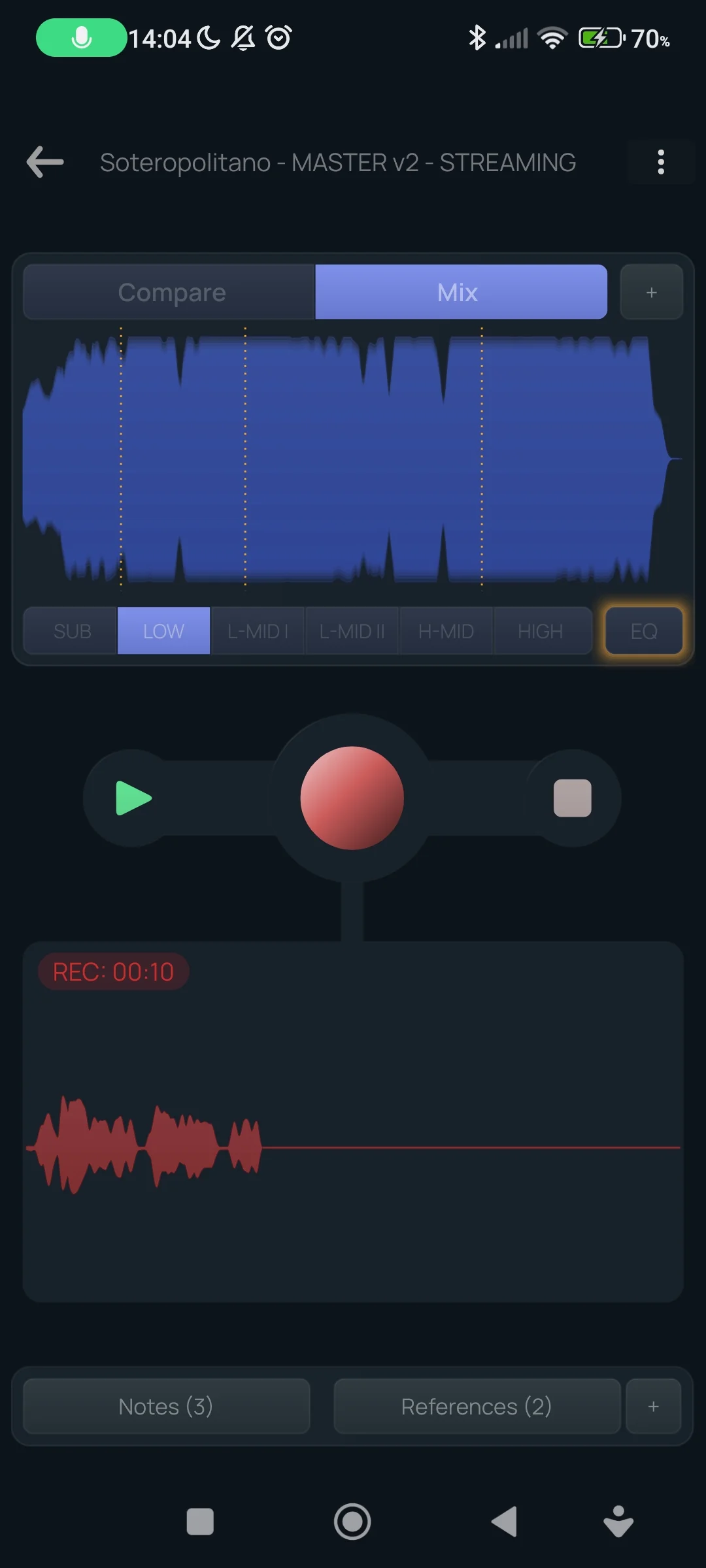
- Designed for car mix-checking with instant LUFs-matched A/B comparisons.
- Automatically detects the most LUFS-dense sections in both your mix and your references so your A/B comparisons stay truly fair and professional.
- Hear your mix through isolated frequency bands (sub, low, mids, highs) to spot masking and problem areas faster.
- Record voice notes while listening and bring ideas back to the studio.
- Built for real-world listening in the car, headphones, earbuds, and everyday speakers
- Switch between your mix and references without interrupting your listening flow
Companion Features
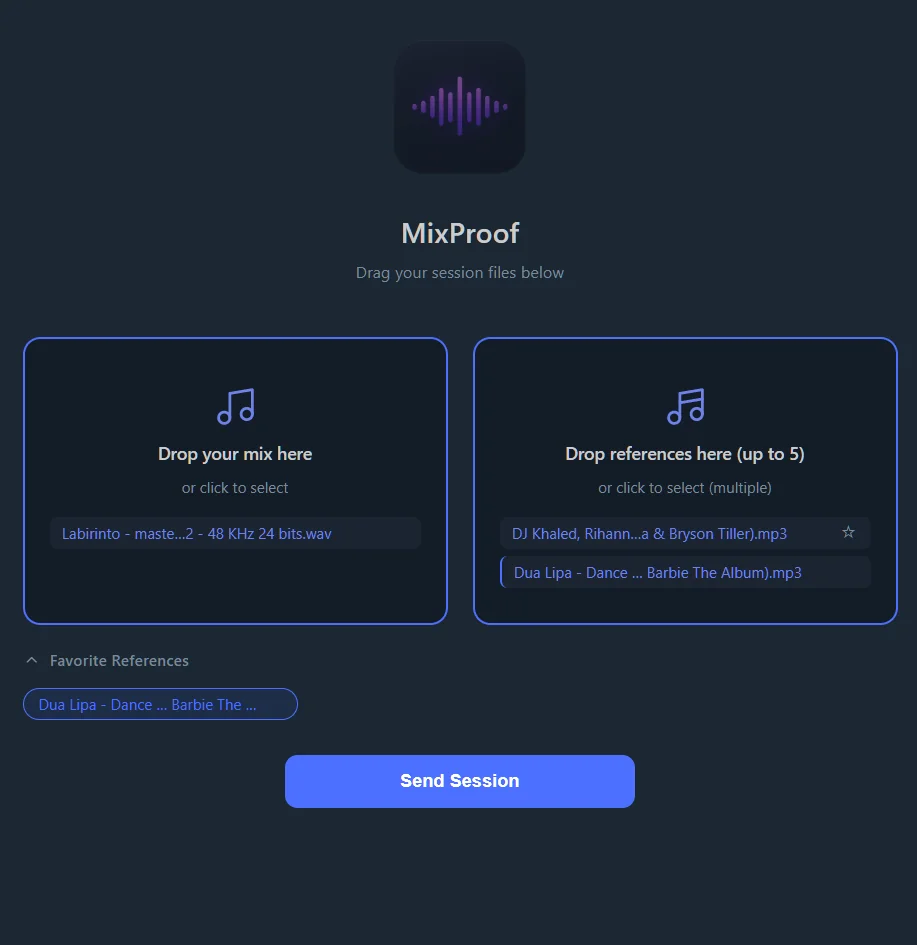
- Send audio files from your computer to the app in seconds. Drop your mix/master and references, and done!
- Automatically detects your device on the same Wi‑Fi.
- No cables, cloud uploads, or complicated setup — a faster and smoother alternative to manual browser transfers.
- Designed to keep you focused on listening instead of file management
MixProof App — iOS & Android
Get it from the official stores.
Downloads from the App Store and Google Play.
Free to install and try
remove every limit for a one-time
no subscription
MixProof Companion — Windows & macOS
Optional desktop helper for LAN transfers with UDP discovery — the same HTTP flow as the WebLoader, with less friction.
Desktop installers
For the machine where you produce.
The Companion makes sending audio files from your computer to the app faster and easier, but if you prefer not
to install anything, you can still send files from a browser on the same Wi-Fi network or add them manually in
the app.
Screenshots